 Skip to content
When you manage a domain, website, hosting server, or DNS configuration, you will often see two important DNS record types, A records and AAAA records.
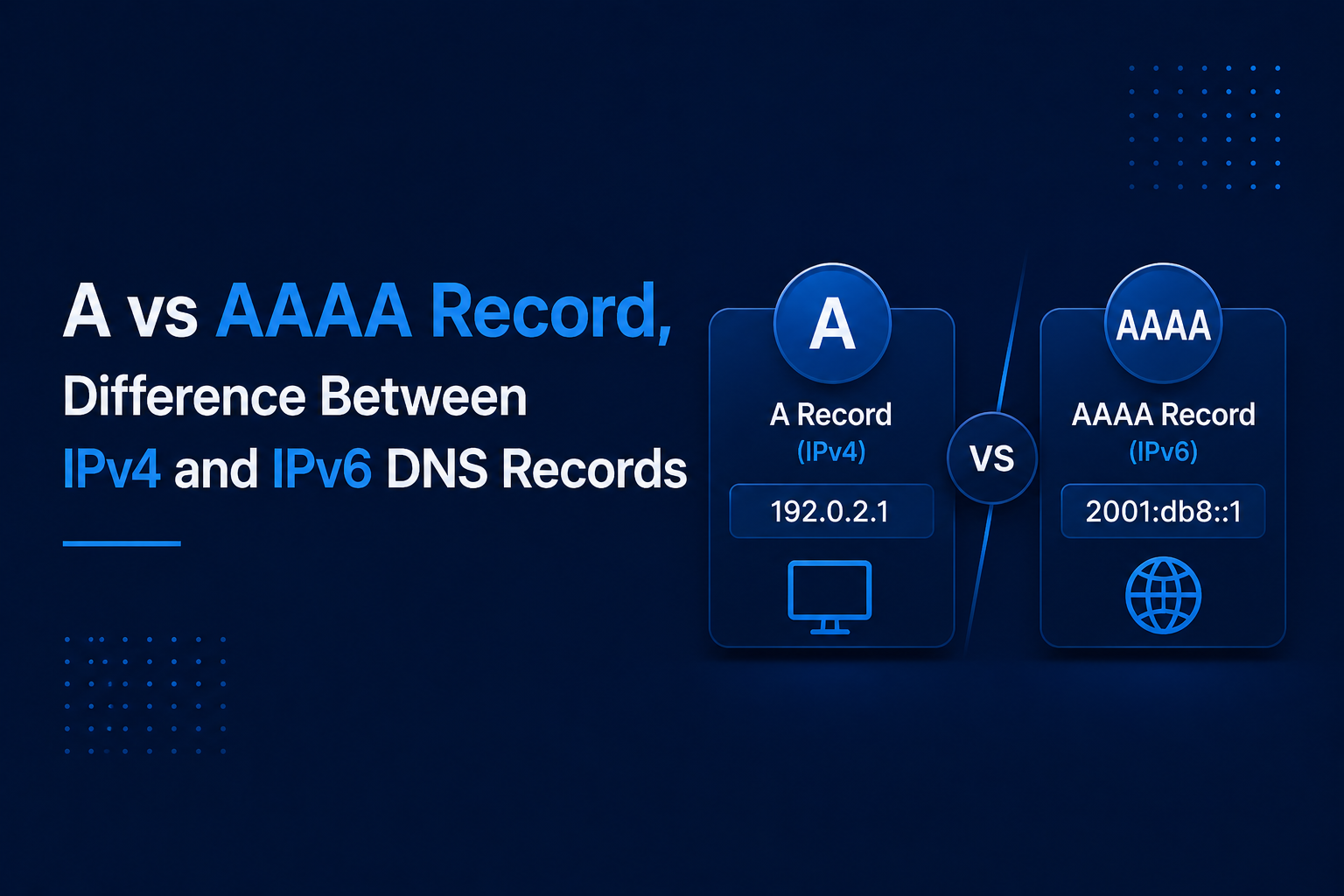
Both records help connect a domain name to an IP address, but they are not the same. The main difference is simple, an A record points a domain to an IPv4 address,
while an AAAA record points a domain to an IPv6 address.
This difference is important because your website, server, CDN, or hosting provider may support IPv4, IPv6, or both. If you add the wrong record, remove the wrong one, or point your domain to an incorrect IP address,
your website may not open properly for some users.
A records are used for IPv4, which is still widely used across the internet. AAAA records are used for IPv6, which is newer and supports a much larger number of IP addresses.
If you want to check whether your domain has an A record or AAAA record, you can use LeadCanal DNS Lookup here:
With LeadCanal, you can check A, AAAA, CNAME, MX, TXT, NS, SOA, CAA, PTR, SRV, and other DNS records in one place.

What Is an A Record?
An A record, also called an Address record, is a DNS record that points a domain name to an IPv4 address. IPv4 addresses are the older and most common type of IP address.
They use four groups of numbers separated by dots.
Example of an IPv4 address:
192.0.2.10A basic A record example looks like this:
example.com A 192.0.2.10This means when someone visits example.com, DNS points the domain to the IPv4 address 192.0.2.10.
A records are commonly used for:
- Website hosting
- Application servers
- Subdomains
- Landing pages
- Cloud servers
- CDN setup
- Business websites
For example,
if your hosting provider gives you an IPv4 address, you will usually add it as an A record in your DNS settings.
What Is an AAAA Record?
An AAAA record, also called a Quad A record, is a DNS record that points a domain name to an IPv6 address. IPv6 addresses are longer than IPv4 addresses and use letters, numbers, and colons.
Example of an IPv6 address:
2001:db8::10A basic AAAA record example looks like this:
example.com AAAA 2001:db8::10This means when someone visits example.com, DNS can point the domain to the IPv6 address 2001:db8::10.
AAAA records are used when your website, server, hosting provider, or CDN supports IPv6. IPv6 was created because IPv4 addresses are limited since the internet has grown massively,
IPv6 provides a much larger address space for websites, devices, servers, and networks.
A vs AAAA Record, Quick Comparison Table
| Feature | A Record | AAAA Record |
|---|---|---|
| IP version | IPv4 | IPv6 |
| Example IP address | 192.0.2.10 | 2001:db8::10 |
| Full name | Address Record | Quad A Record |
| Main purpose | Points domain to IPv4 address | Points domain to IPv6 address |
| Address size | 32-bit | 128-bit |
| Common use | Most websites and hosting setups | IPv6 enabled websites and servers |
| Can both exist together? | Yes | Yes |
| Risk if wrong | Website may not resolve on IPv4 | Website may fail or timeout on IPv6 |
| Best use case | Standard IPv4 hosting | Modern IPv6 supported hosting |
The easiest way to remember it is:
A record = IPv4
AAAA record = IPv6
A Record vs AAAA Record Examples
Here are simple DNS examples to understand the difference clearly.
| Record Type | Hostname | Value | Meaning |
|---|---|---|---|
| A | example .com | 192.0.2.10 | Points root domain to an IPv4 address |
| AAAA | example.com | 2001:db8::10 | Points root domain to an IPv6 address |
| A | www.example.com | 192.0.2.20 | Points www subdomain to an IPv4 address |
| AAAA | www.example.com | 2001:db8::20 | Points www subdomain to an IPv6 address |
If your hosting provider gives you an IPv4 address, you need an A record if your hosting provider gives you an IPv6 address, you need an AAAA record.
If your provider gives both, you may use both records together.
When Should You Use an A Record?
You should use an A record when your domain or subdomain needs to point to an IPv4 address. This is still the most common DNS setup for websites.
Use an A record when:
- Your hosting provider gives you an IPv4 address
- Your server supports IPv4 only
- Your website needs broad compatibility
- Your CDN asks for an IPv4 address
- You are setting up a standard website or app
- You are not sure whether IPv6 is supported
Example:
example.com A 203.0.113.15This setup tells DNS that example.com should connect to the IPv4 address 203.0.113.15.
Most hosting providers still provide IPv4 addresses, so many websites use A records as their main DNS record.
When Should You Use an AAAA Record?
You should use an AAAA record when your domain or subdomain needs to point to an IPv6 address.
Use an AAAA record when:
- Your server has a working IPv6 address
- Your hosting provider supports IPv6
- Your CDN supports IPv6 traffic
- You want your website to work on IPv6 networks
- You are using a dual-stack setup
- You want a modern DNS configuration
Example:
example.com AAAA 2001:db8:1234::15However, do not add an AAAA record unless your IPv6 address is properly configured. A wrong or inactive AAAA record can cause loading problems for users on IPv6 networks.
Can You Use A and AAAA Records Together?
Yes, you can use A and AAAA records together. This is called a dual-stack DNS setup.
Example:
| Hostname | Record Type | Value |
|---|---|---|
example.com | A | 192.0.2.10 |
example.com | AAAA | 2001:db8::10 |
In this setup, users with IPv4 can connect through the A record, and users with IPv6 can connect through the AAAA record.
This is often the best setup when your website, hosting provider, or CDN supports both IPv4 and IPv6 it improves compatibility because your domain can work for users on both network types.
But there is one important warning. Only use both records if both IP addresses are working correctly. If your A record works but your AAAA record points to a broken IPv6 address,
some users may experience slow loading, timeout errors, or failed connections.
A vs AAAA vs CNAME Record
Many users also compare A record vs AAAA record vs CNAME record because these records are commonly used in DNS setup.
| Record Type | Points To | Example |
|---|---|---|
| A | IPv4 address | 192.0.2.10 |
| AAAA | IPv6 address | 2001:db8::10 |
| CNAME | Another domain name | server.example.net |
A and AAAA records point directly to IP addresses. A CNAME record points one hostname to another hostname.
Example:
www.example.com CNAME example.comThis means www.example.com points to example.com.
You should use A or AAAA records when your provider gives you an IP address you should use a CNAME record when your provider gives you a hostname instead of an IP address.
Common A and AAAA Record Mistakes
DNS issues often happen because of small mistakes. Here are the most common A and AAAA record mistakes.
Adding an AAAA Record Without Working IPv6
This is one of the most common problems. Some users add an AAAA record because they think IPv6 is always better, but their server is not actually configured for IPv6.
If your IPv6 address is not active, your website may fail for users on IPv6 networks. Before adding an AAAA record, confirm that your server supports IPv6 properly.
Removing the A Record Too Early
Some users remove their A record after adding an AAAA record. This can create problems for users who still use IPv4 networks.
In most cases, you should keep your A record active unless you are completely sure that your website does not need IPv4 support.
Using the Wrong IP Address Type
An A record must use an IPv4 address.
Correct A record value:
192.0.2.10An AAAA record must use an IPv6 address.
Correct AAAA record value:
2001:db8::10Do not add an IPv6 address inside an A record. Do not add an IPv4 address inside an AAAA record.
Updating the Wrong DNS Provider
Your domain registrar and DNS provider may be different. For example, your domain may be registered at one company, but DNS may be managed by another provider.
If your nameservers point to a different DNS host, adding records in the wrong dashboard will not work. Always check your active nameservers before editing DNS records.
Not Checking DNS Propagation
DNS changes may take time to update across different DNS servers. If you update an A or AAAA record and do not see the change immediately, it may be due to DNS propagation or cache.
After updating DNS, check your records again after some time.
How LeadCanal Helps You Check A and AAAA Records
LeadCanal makes it easy to check whether your domain is pointing to the right IPv4 or IPv6 address. Instead of using different tools for every DNS record,
you can use LeadCanal DNS Lookup to check A, AAAA, CNAME, MX, TXT, NS, and other DNS records in one place.

This is useful when you want to confirm whether your domain has an A record, an AAAA record, or both. If your website is not loading, your hosting IP has changed, or you recently updated DNS,
LeadCanal helps you quickly see what is currently published in DNS.
For example, if your host gives you an IPv4 address, add it as an A record and then verify it with LeadCanal. If your host gives you an IPv6 address, add it as an AAAA record and check that it appears correctly.
Step-by-Step, Check A and AAAA Records with LeadCanal
| Step | What to Do |
|---|---|
| Step 1 | Open https://leadcanal.com/dns-lookup/ |
| Step 2 | Enter your domain, such as example.com |
| Step 3 | Select A, AAAA, or all DNS records |
| Step 4 | Check the IPv4 and IPv6 values |
| Step 5 | Compare them with your hosting provider’s IP addresses |
| Step 6 | If DNS was updated recently, check again after propagation |
How to Know Which Record You Need
| Situation | Best Record |
|---|---|
| Your host gives you an IPv4 address | A record |
| Your host gives you an IPv6 address | AAAA record |
| Your host gives you both IPv4 and IPv6 | Use both A and AAAA records |
| Your provider gives you a hostname | CNAME record |
| You are not sure which record exists | Check with LeadCanal DNS Lookup |
Best Practices for A and AAAA Records
Always check your current DNS records before making changes. Use A records only for IPv4 addresses and AAAA records only for IPv6 addresses.
Do not add an AAAA record unless your server fully supports IPv6, because a broken AAAA record can cause loading issues for some users.
For most websites, the safest setup is to keep the A record active and add an AAAA record only when IPv6 is properly configured.
Conclusion
The difference between A vs AAAA record is simple. An A record points your domain to an IPv4 address, while an AAAA record points it to an IPv6 address.
If your server supports both, you can use both records together before and after DNS changes, use LeadCanal DNS Lookup to confirm your domain is pointing to the correct IP address.


